MORF-X

Find your tone

Blend one block on your Line 6 unit between five tones on an X-Y pad, live. Drag the crosshair and every knob moves with you, from clean to lead in one sweep.

Free · POD Go, Helix, Helix LT, HX Effects and HX Stomp · Mac, Windows, Linux

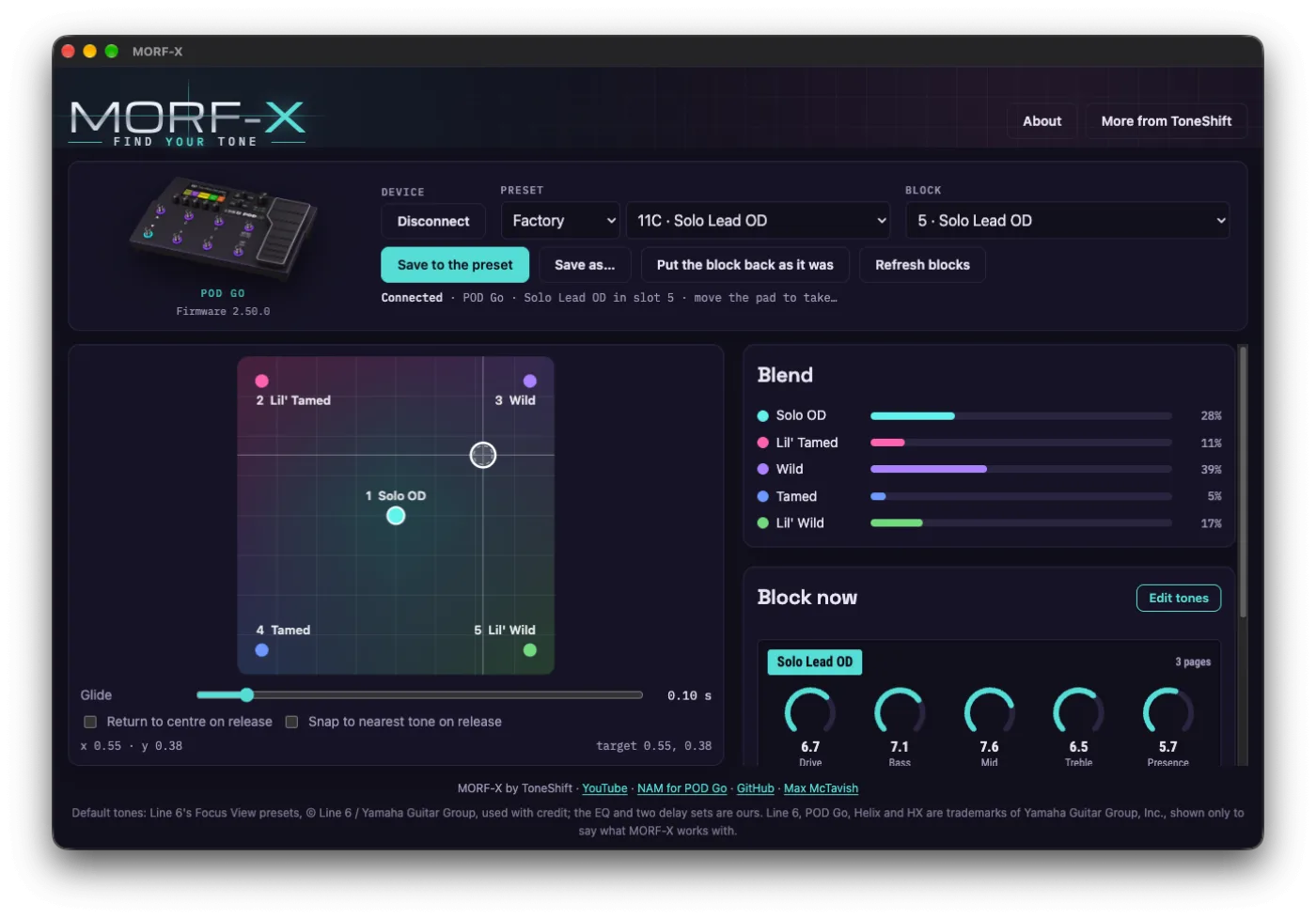
The MORF-X app connected to a POD Go: the X-Y pad with five tones, the blend between them, and the amp's knobs

How it works

Plug in, drag, play

Connect your unit

Plug your POD Go, Helix or HX Effects into your computer over USB, close POD Go Edit or HX Edit, and click Connect your device.

MORF-X finds the amp

It reads the preset that's loaded, picks the amp, and gives you five tones for it: one in the centre and one in each corner.

Drag the crosshair

Every parameter of the block blends between the tones as you move. A short glide turns a quick move into a smooth sweep.

Save when you like it

Nothing is saved until you say. Save to the preset, or Save as into any setlist and slot.

What's inside

Built for playing, not menu-diving

Five tones per model

Every amp and most effects start with five ready-made tones, Line 6's own Focus View presets.

Make them yours

Rename the tones, dial a corner in on the unit and copy it in, and keep your own set in a file.

Every knob at once

The block's knobs move live on screen, laid out like the unit's own pages, five to a row.

Follows your unit

Change preset or setlist, or stamp an effect on or off, and MORF-X keeps up.

Setlists and Save as

Pick any setlist and preset from the app, and save into any slot you choose.

Safe by design

It edits the loaded preset the way the unit's own editor does. Reload the preset and you're back where you started.

Works with

Your Line 6 unit

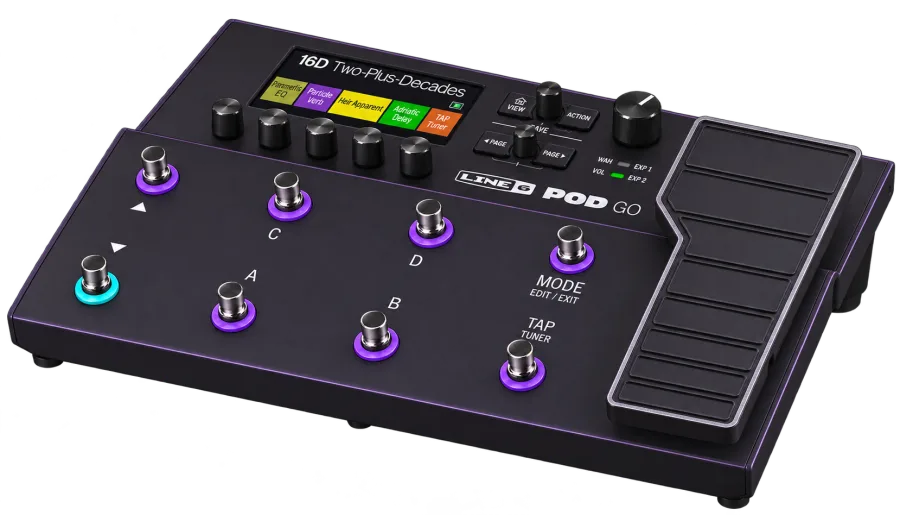
POD GoPOD GoTested
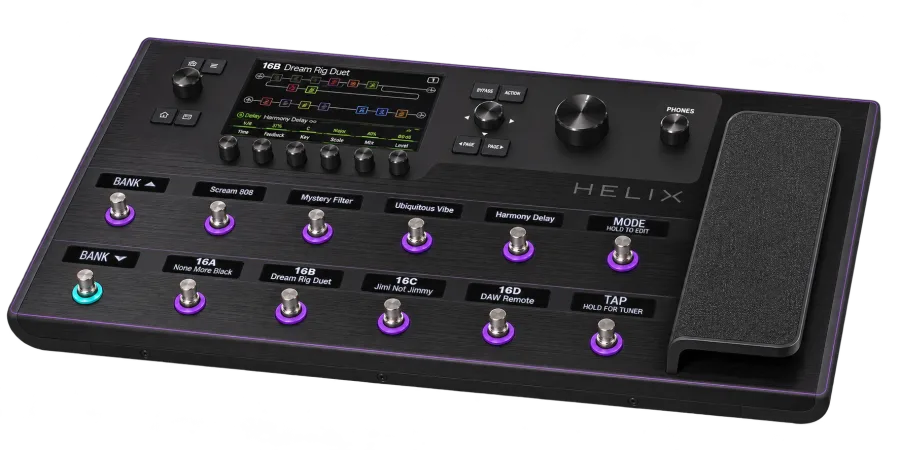
Helix FloorHelix FloorTested
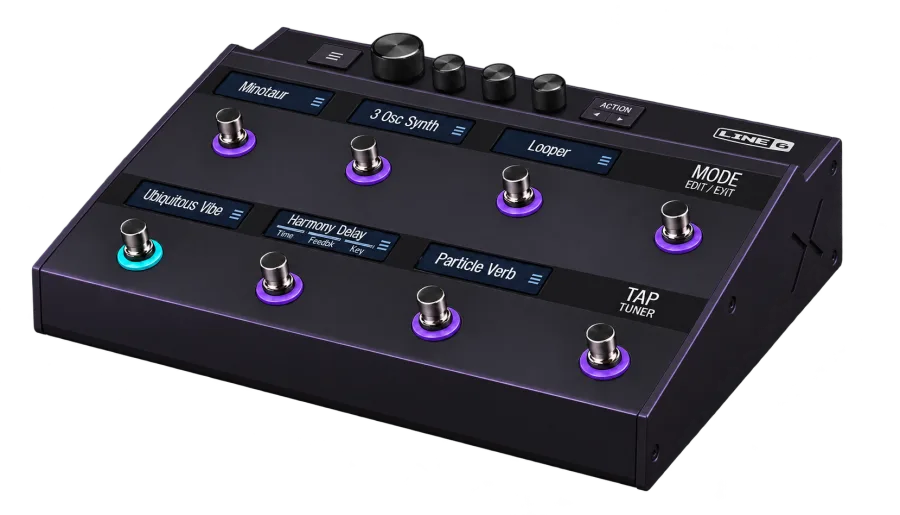
HX EffectsHX EffectsTested
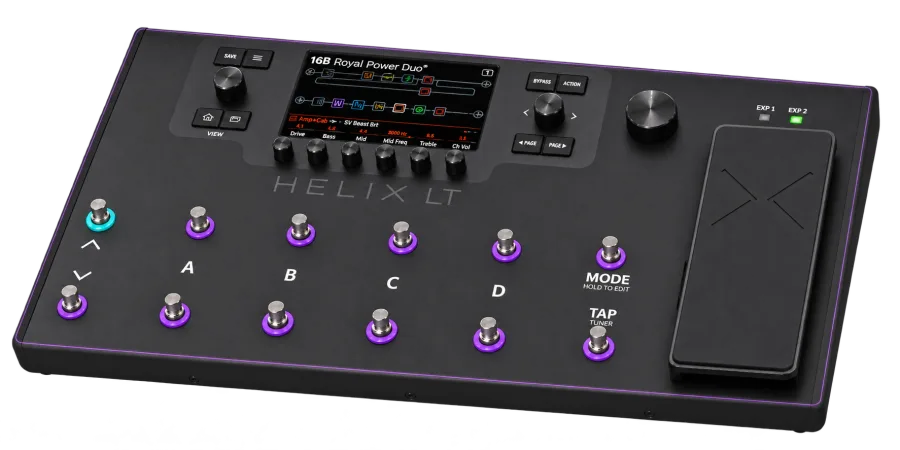
Helix LTHelix LTTested
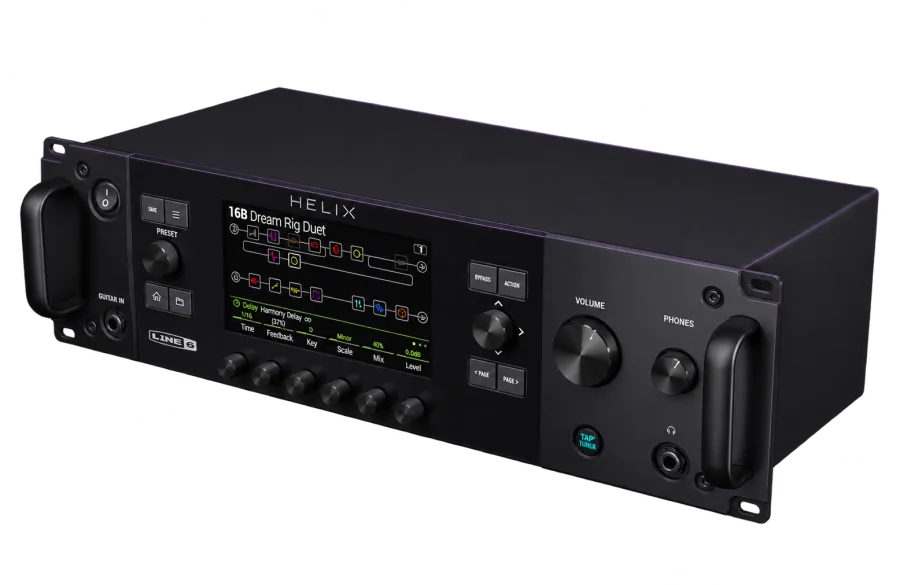
Helix RackHelix RackTesters wanted
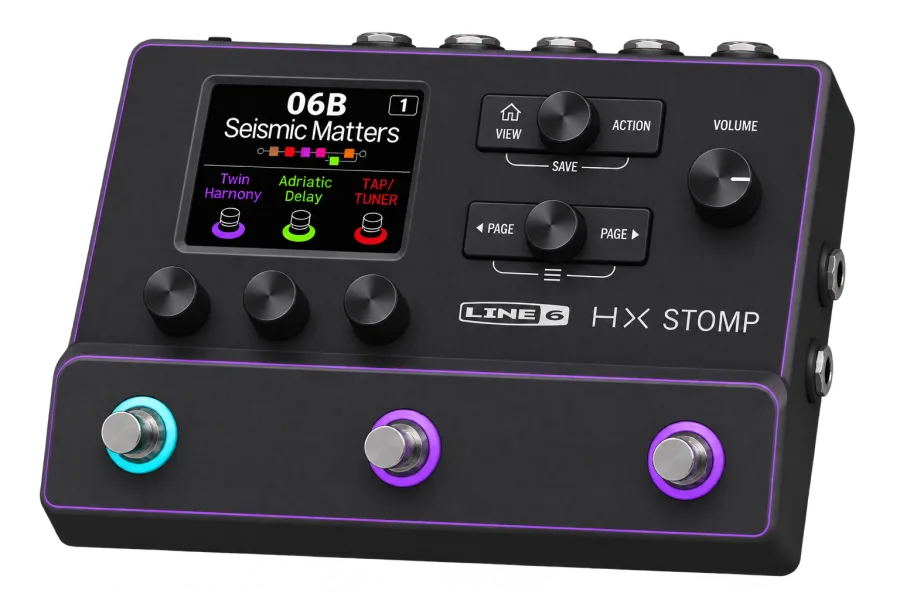
HX StompHX StompTested
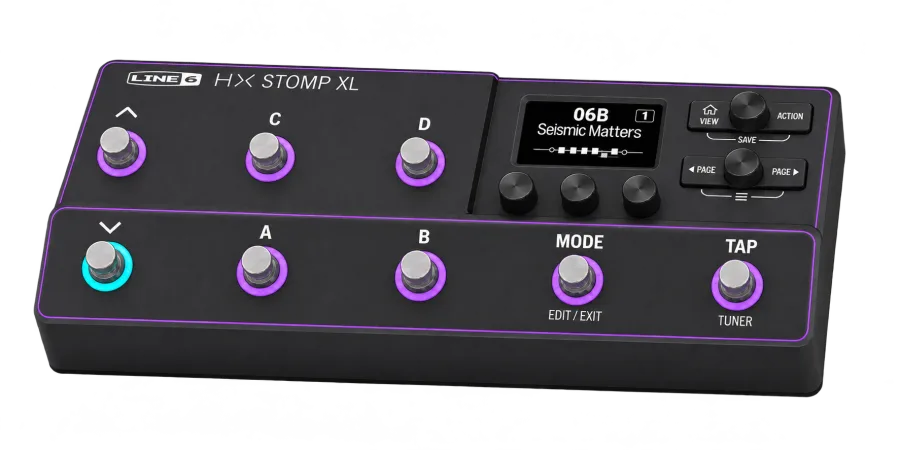
HX Stomp XLHX Stomp XLTesters wanted

POD Go Wireless works as a POD Go. Got an HX Stomp XL or Helix Rack? Tell us how it goes. Not connecting? Try the device check.

Get MORF-X · version 0.2.6

Pick your computer

Use it straight from your browser, or download the app. Both do the same thing.

Any computer

In your browser

Nothing to install. Needs Chrome or Edge on a Mac, PC or Chromebook (Safari, Firefox and phones can't talk to USB devices).

Open MORF-X
Mac

Apple Silicon

Macs with an M1, M2, M3, M4 or later chip.

MORF-X-0.2.6-Mac-Apple-Silicon.zip · 115 MB Download
Mac

Intel

Older Macs with an Intel processor.

MORF-X-0.2.6-Mac-Intel.zip · 122 MB Download
Windows

Windows 64-bit

Windows 10 and 11. Tested with a Helix LT.

MORF-X-0.2.6-Windows-64-bit.zip · 152 MB Download
Linux

64-bit Intel / AMD

Most Linux PCs. Not yet tried: install the included USB rule once (see README-linux.txt inside).

MORF-X-0.2.6-Linux-64-bit-Intel-AMD.tar.gz · 119 MB Download
Linux

ARM 64-bit

64-bit ARM Linux, such as a Raspberry Pi 4 or 5 on 64-bit Raspberry Pi OS. Not yet tried.

MORF-X-0.2.6-Linux-ARM-64-bit.tar.gz · 120 MB Download

Already have MORF-X? If yours is 0.2.5 or older, download 0.2.6 once. From 0.2.6 on, the app tells you when there's a new version, with a button to get it, and About › Check for updates checks any time. The browser version is always the latest: just reload the page.

Not sure which Mac you have? Apple menu › About This Mac: "Chip" means Apple Silicon, "Processor" means Intel. The Mac apps aren't notarised yet, so the first time, right-click MORF-X and choose Open. Older versions and release notes: all releases.
What's new

Changelog

0.2.6 · 24 Nov 2026

  • The desktop app now checks for updates: when a newer MORF-X is out, it tells you, with a button to get it. Your version and a Check for updates button are in the About menu.
  • HX Stomp: working with MORF-X, and Save and Save as are switched on for it. Thanks to the Stomp owner who tried it.

0.2.5 · 24 Nov 2026

  • Helix LT: working with MORF-X, and Save and Save as are switched on for it. Thanks to our LT tester.
  • Windows: confirmed working, with a Helix LT. (Tip: only one program can talk to your unit at a time, so close MORF-X before running the device check.)

0.2.4 · 24 Nov 2026

  • Helix LT: recognised by its own USB ID and shown with its own picture. Thanks to the LT owner who ran the device check.
  • New device check: see which Line 6 unit is plugged in and whether MORF-X can reach it, and email us the results.

0.2.3 · 24 Nov 2026

  • Helix LT and Helix Rack: MORF-X now finds them, recognising them by the name they give over USB. Not tried on either yet, so Save stays hidden until someone reports back.

0.2.2 · 24 Nov 2026

  • HX Effects: all nine blocks on each path now show up. The 9th block on path A was missed before, and path B's 9th was labelled "2A0"; it now reads 1B9.

0.2.1 · 24 Nov 2026

  • HX Stomp: presets are now named the way the Stomp shows them, in banks of three (01A to 42C). Thanks to the Stomp owner who reported it.
  • Double-clicking the pad no longer opens the tone editor by accident. Double-click a tone's dot to edit it.
  • This home page, with a download for every computer.

0.2.0 · 22 Nov 2026

  • A new look: the block's knobs laid out like the POD Go's screen, every knob at once.
  • Setlists: pick any setlist and preset from the app, and Save as into any slot.
  • Follows your unit: preset, setlist and effect on/off changes show up in MORF-X.
  • Starts on the amp whenever a preset loads, and shows the unit's firmware version.
  • Apps for Mac, Windows and Linux.

Full history: CHANGELOG · all releases.

Good to know

Questions

Will it change my presets?

Only when you press Save or Save as. Until then MORF-X edits the loaded preset the way the unit's own editor does, and reloading the preset on the unit puts everything back. Back up your presets in POD Go Edit or HX Edit first anyway: it's always a good habit.

Why won't it connect?

Only one program can talk to the unit at a time. Close POD Go Edit or HX Edit, and any other tab or app using MORF-X, then try again. In the browser, use Chrome or Edge.

Does it need special firmware?

No. MORF-X works with Line 6's own firmware over USB. It also works alongside NAM A2 Lite for POD Go.

Does it work on a phone or iPad?

Not yet: phone and tablet browsers can't talk to USB devices. Use a computer with Chrome or Edge, or the app.

How do I update?

Desktop app: from version 0.2.6, MORF-X tells you when a new version is out, with a button that opens the download for your computer. You can also check any time in About › Check for updates. If you have 0.2.5 or older, download the latest version from this page once, by hand. Unzip it and replace your old MORF-X app: your saved tones carry over. Browser: nothing to do; reload the page and you have the latest.

How much does it cost?

Nothing. MORF-X is free and open source (GPL-3.0), made by ToneShift.